
Send every angler home with the photos and the catch.
When you're back at the dock, pick a few photos and videos, add what you caught, and write a line or two. Everyone on the trip gets their own recap page, with links to book again and leave you a review.
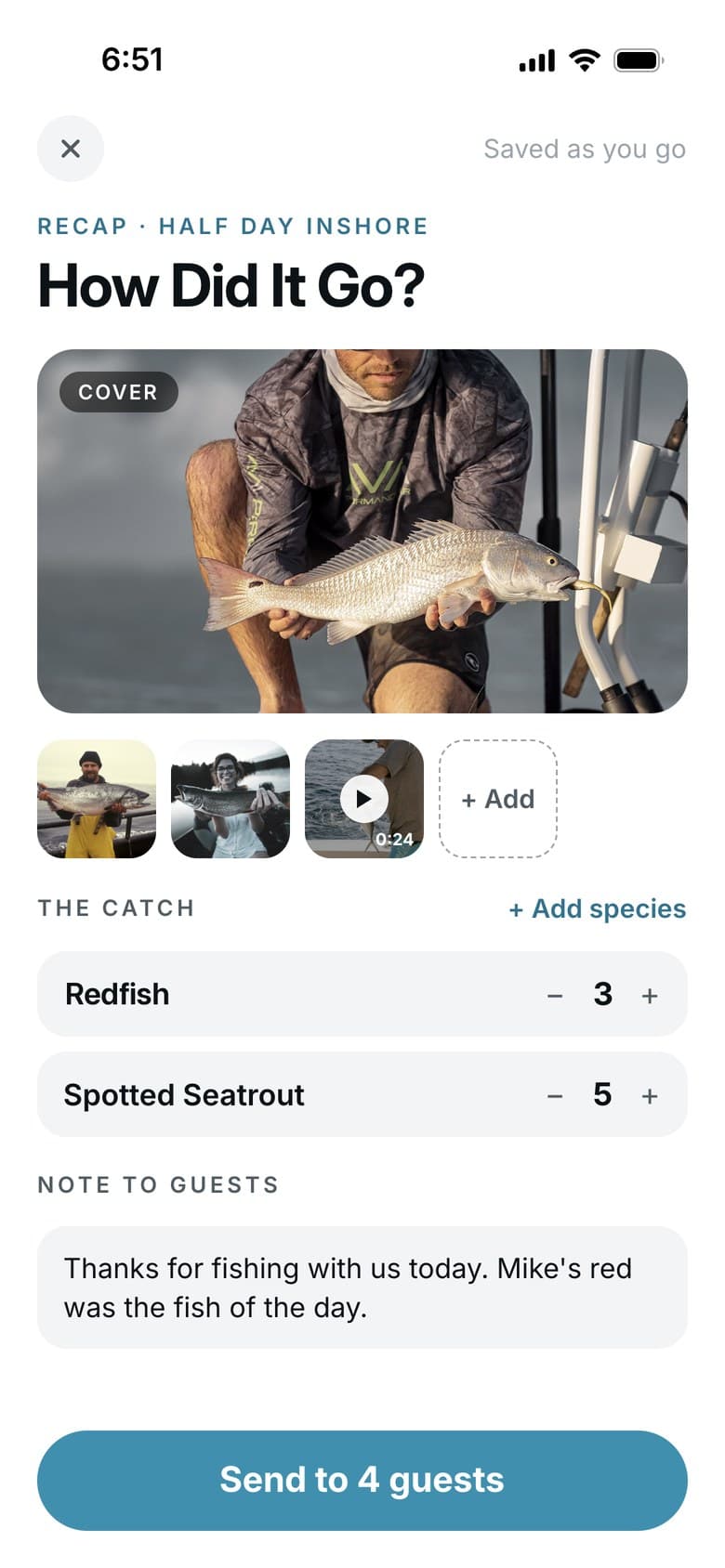
A recap in three steps.
Your dashboard keeps a list of trips that still need a recap, so none get missed after a long day.
 ON THE WATER
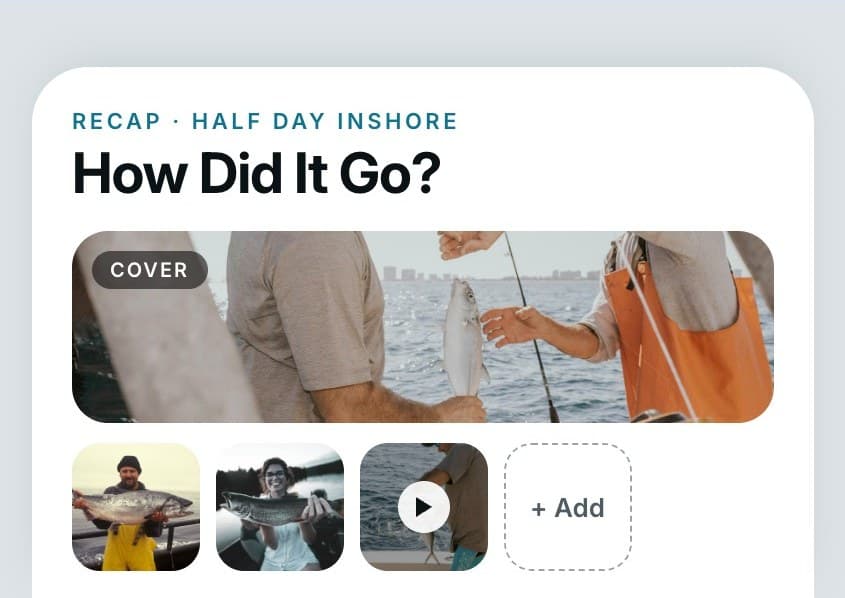
Shoot photos and video
Snap the fish, the crew, and the sunrise. Pick the best ones when the trip is over.
 BACK AT THE DOCK
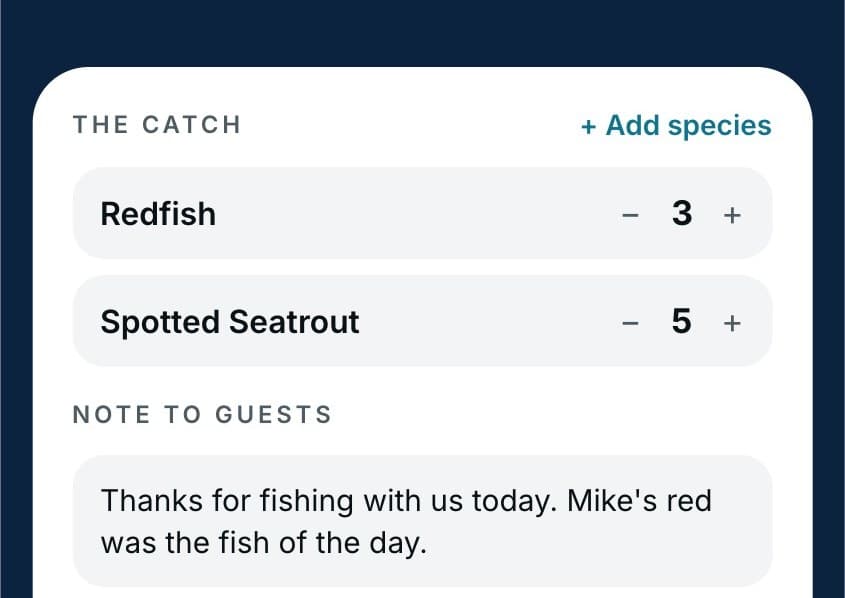
Add the catch and a note
Add each species and how many. Write a line for the group.
 AS SOON AS YOU SEND IT
Every guest gets the recap
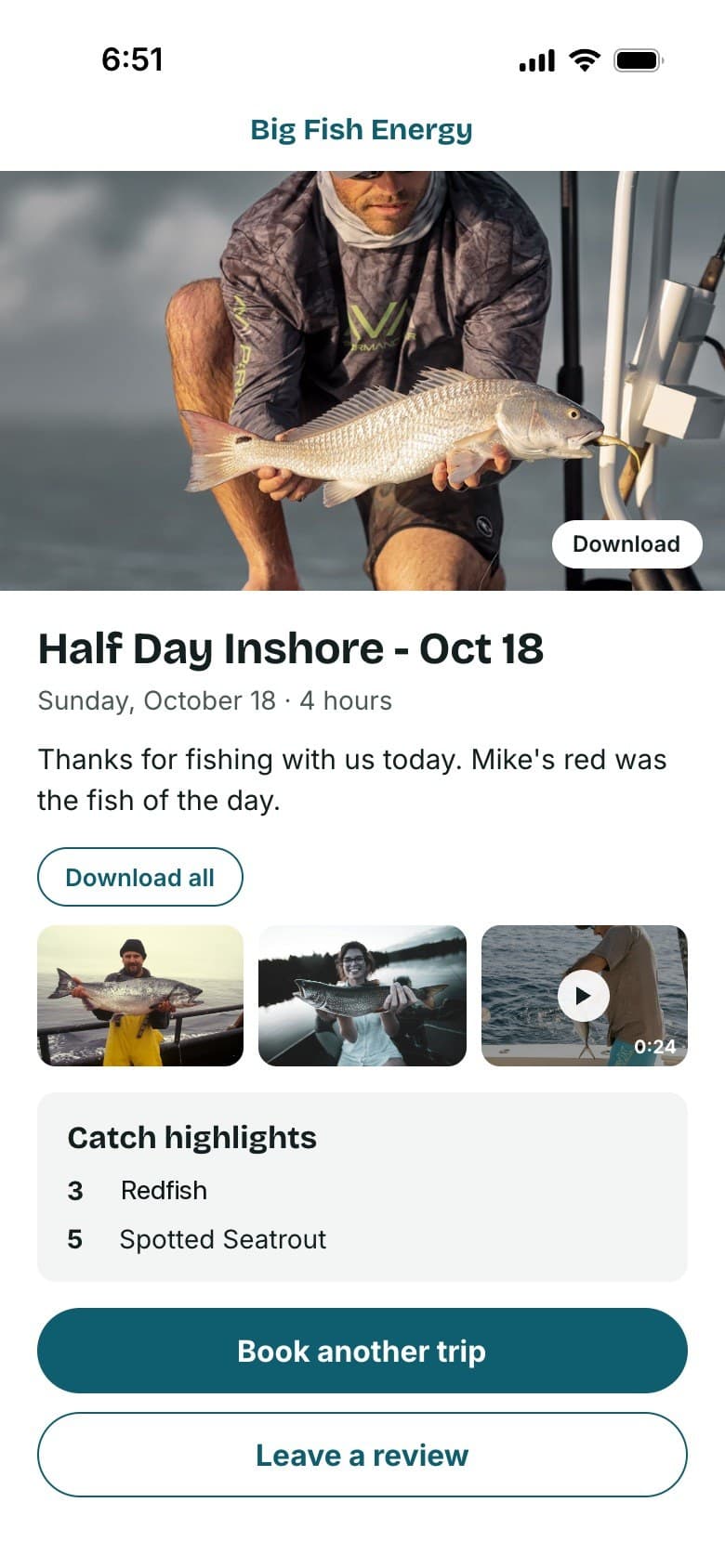
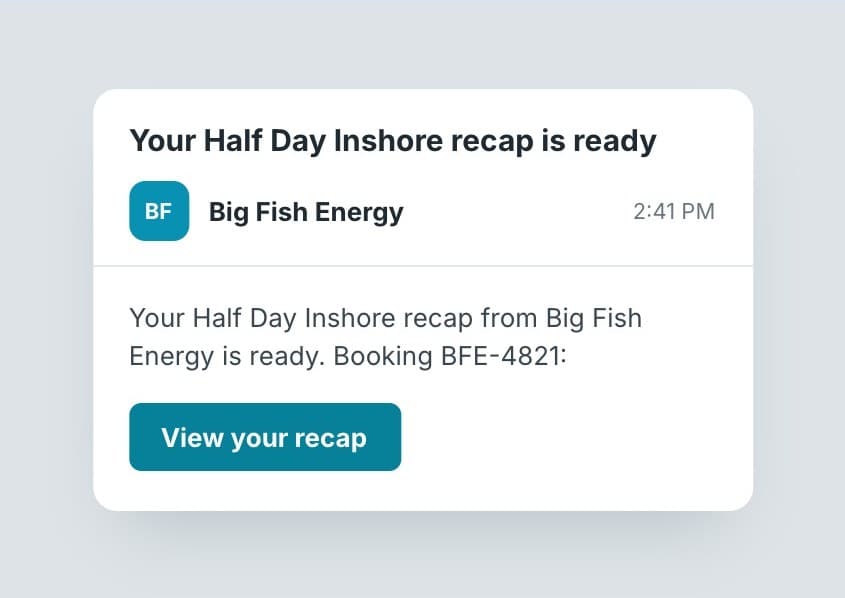
They get an email with their own page: the photos and videos to download, the catch, and buttons to book again or leave a review.
The trip keeps working after you tie up.
- More reviews
- The review link arrives while the trip is still fresh, right under their photos.
- Repeat bookings
- "Book another trip" sits on the page they'll come back to when they plan next season.
- Word of mouth
- Guests save the photos and videos and pass the recap around. Your charter's name sits at the top of the page.
- The whole boat
- On a party boat or shared trip, send it to the whole departure or only the guests you pick.
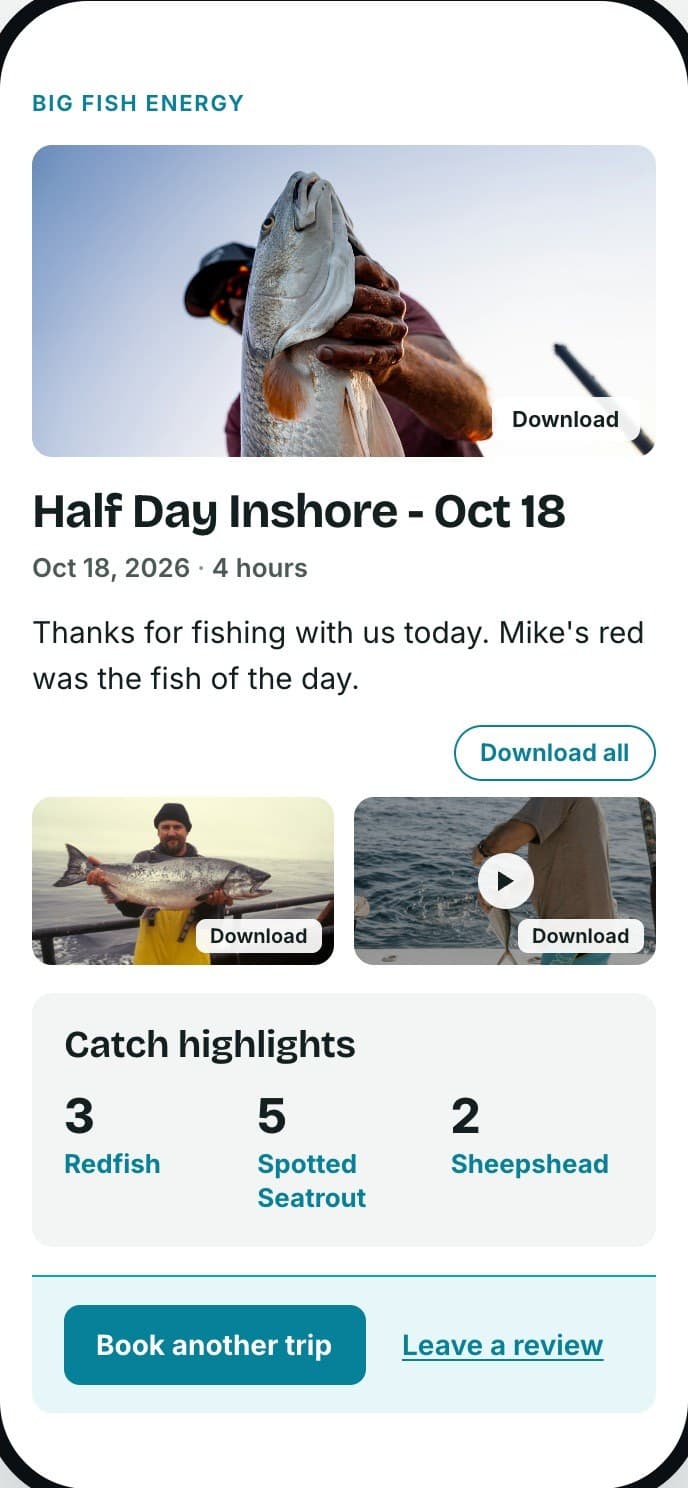
Here's what your guests get.
It opens on any phone. No app to download and no account to make.
- TOP
- Your charter's name and your best photo of the day.
- YOUR NOTE
- A line or two in your own words. Skip it if you'd rather.
- PHOTOS & VIDEO
- Every photo and video you add, with one button to download them all.
- THE CATCH
- Each species and how many of each.
- NEXT STEP
- Book another trip with you, or leave a review.
Trip recap questions.
Can I send it to just some of the guests?
Yes. Send it to everyone on the trip, or pick just the passengers you want. Each person gets it by email.
Can guests download the photos and videos?
Yes. Every photo and video has its own download button.
Do I need the app to send a trip recap?
No. Send them from the Hookset Captain app on your phone, or from your dashboard on a computer.
Does it cost extra?
No. Trip recaps are included at no cost to you, photos and video too.
Before and after the recap.
Check people in before the trip, then ask for reviews and post a report after it.
 BEFORE THE RECAP
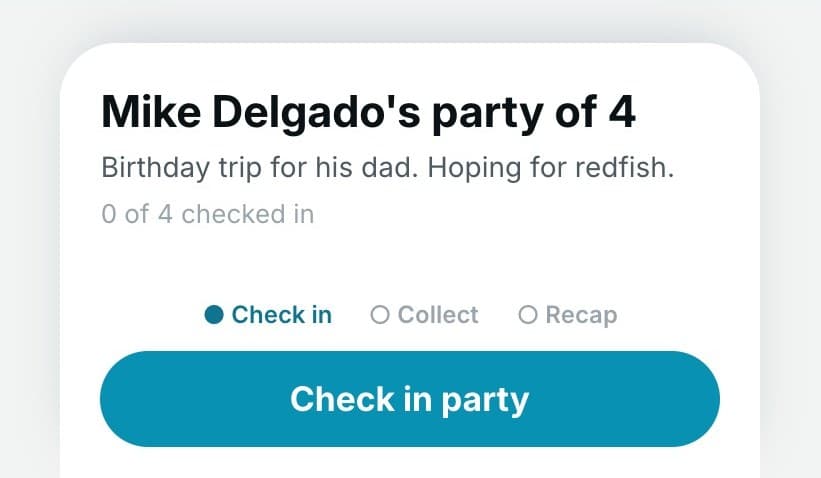
Departures & Check-In
Check everyone in at the dock, so the recap goes to the people who were actually on the boat.
See how it works: Departures & Check-In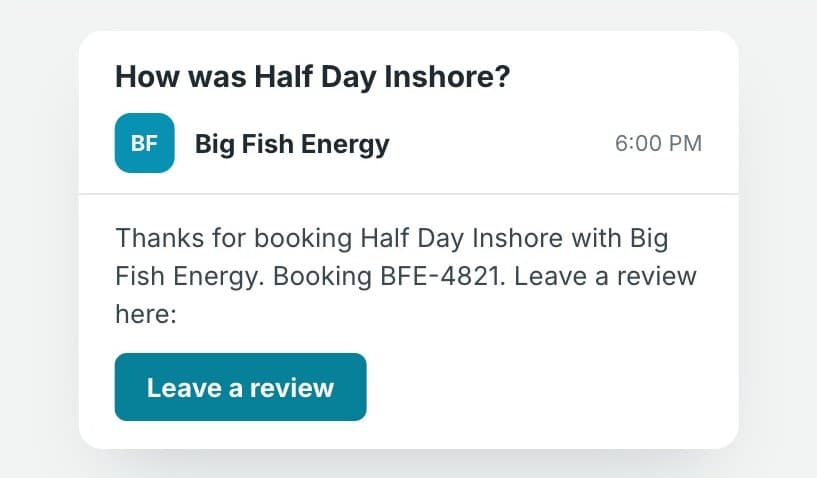 ALONG WITH THE RECAP
Review Requests
Each guest also gets a short email asking how their trip went, with a link to your Google reviews.
See how it works: Review Requests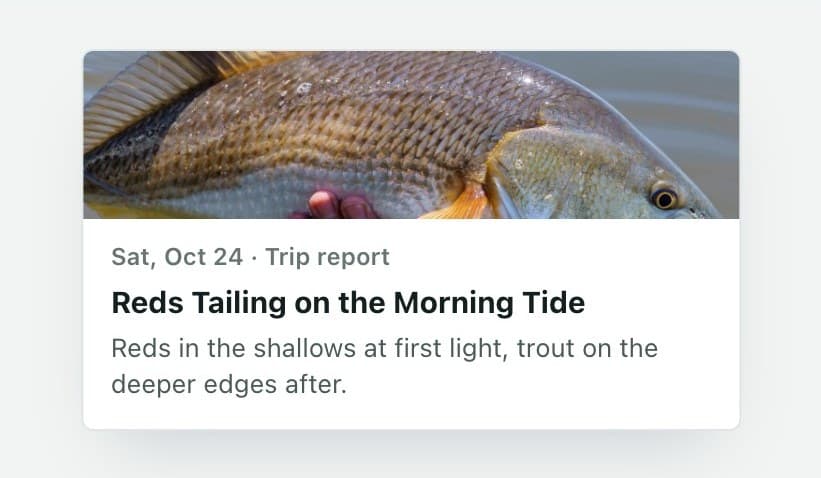 AFTER THE RECAP
Fishing Reports
Turn the best of the day into a public report for your website and social media, with photos and video.
See how it works: Fishing Reports
Give them a reason to book again.
Every guest goes home with the photos, the catch, and a link to book their next trip. We'll set it all up for you.